How to allow users to add attachments in WordPress comments? [STEP BY STEP]☑️
Today in this tutorial we will make you learn how to allow users to add attachments in WordPress comments. Adding attachments in the WordPress comments can be very helpful in certain situations. Perhaps you want others to share images or documents regarding the topic.
That’s why in this tutorial, I am going to show you how to add attachments in comments of WordPress.
Follow the steps to allow users to add attachments in WordPress comments:
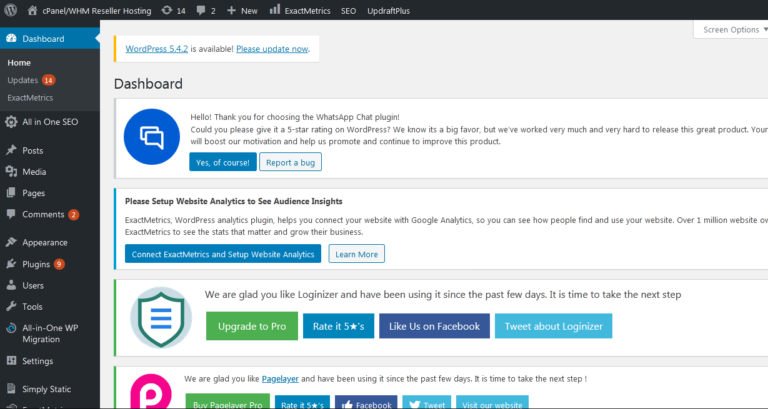
Step::1 Login to your WordPress dashboard
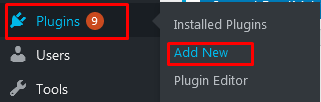
Step::2 Go to the Plugins area of WordPress and click the “Add New” button.
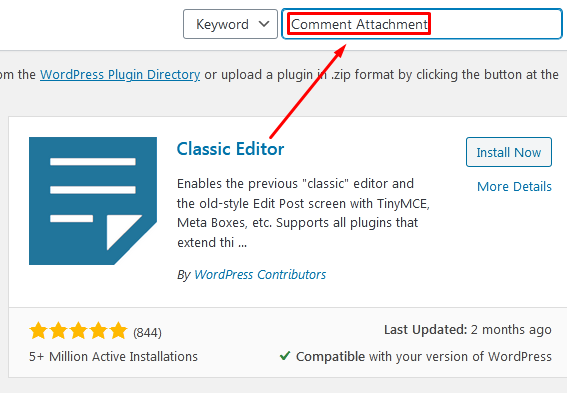
Step::3 Search for “Comment Attachment” from the text field on the right.
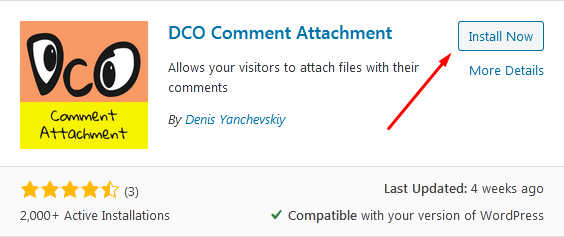
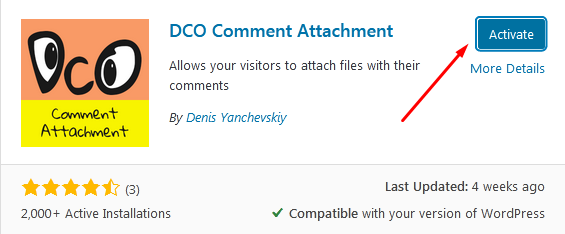
Step::4 Click “Install Now” then “Activate” buttons for the DCO Comment Attachment Plugin.
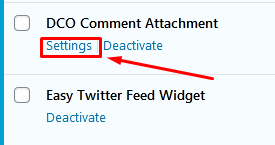
Step::5 Now go to Installed plugin and click on the Settings link under DCO Comment Attachment plugin
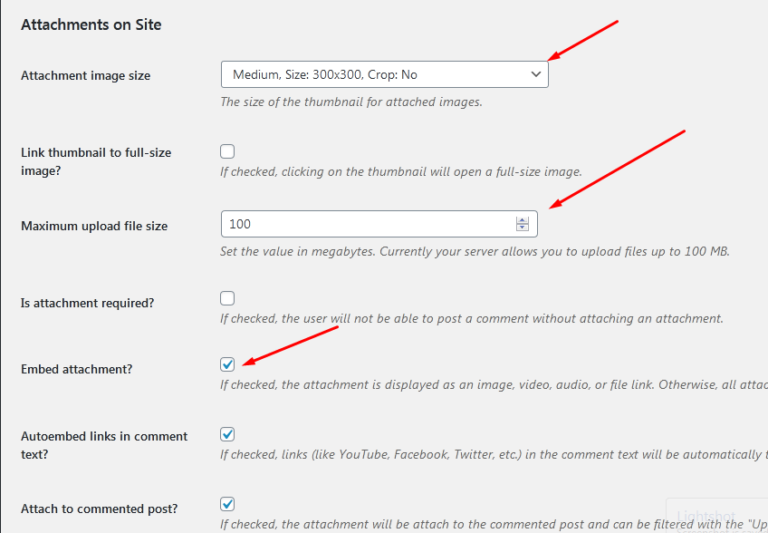
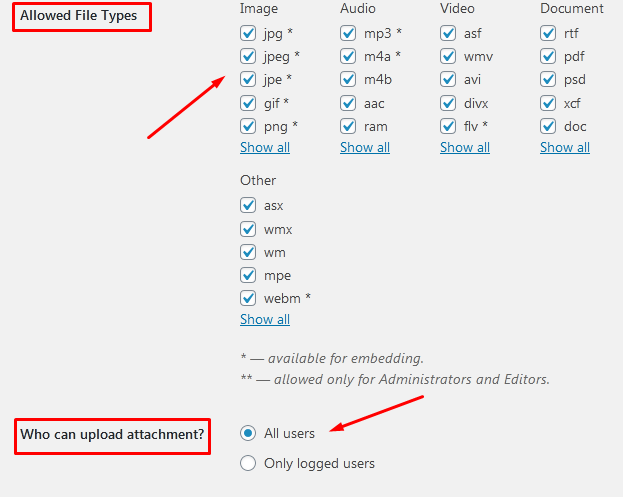
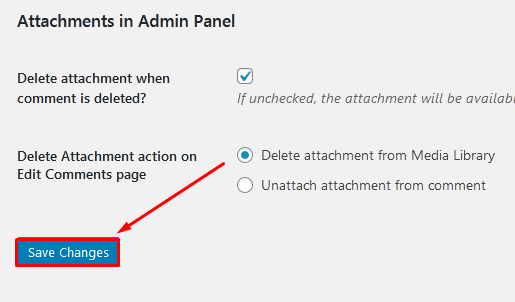
Step::6 Here you need to do some customization in the plugin like Attachment Image Size, Maximum upload file size, embed attachment, allowed file type, who can upload attachments.
Step::7 Once you are done with the customization, click over Save Changes button.
This is how you can allow users to add attachments in WordPress comments.
Thanks for Reading this article
The End! should you have any inquiries, we encourage you to reach out to the Vercaa Support Center without hesitation.